
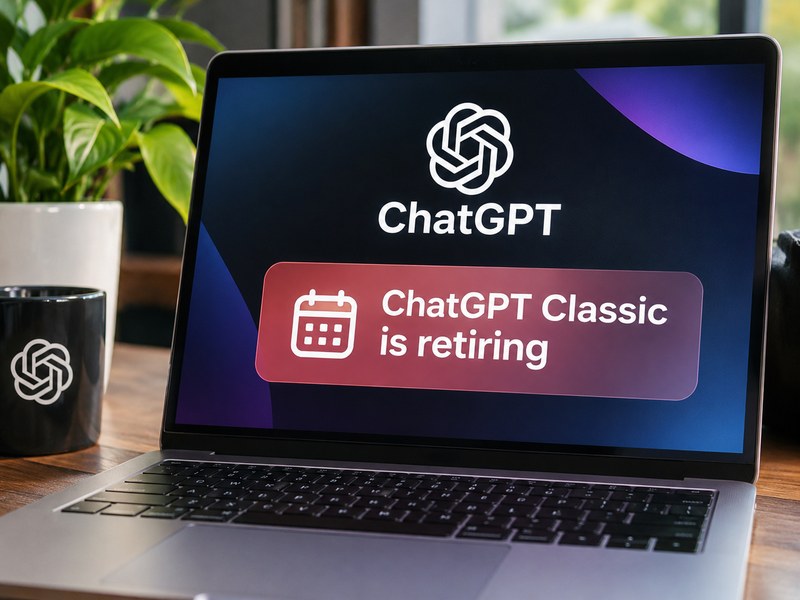
If you use the older ChatGPT desktop app on a Mac or Windows PC, you will soon need to switch. OpenAI will retire ChatGPT Classic, its previous desktop app, on 30 January 2027, according to an in-app notice reported by 9to5Mac. This explainer covers what is happening, what it means for your chats, and where to go next. techenclave
What Is ChatGPT Classic?
ChatGPT Classic is the name given to OpenAI’s previous standalone desktop app. A few months ago OpenAI released a new desktop app that brought ChatGPT, Work and Codex into one interface, and the regular app was renamed Classic. Since then, Classic has stayed largely untouched.
What Is Changing?
- Retirement date: The in-app notice reads, in OpenAI’s words, that the app will retire on January 30, 2027 and tells users to get the latest features in the new ChatGPT app.
- It still works for now. Classic remains supported with updates and security patches until the retirement date.
- New features go to the new app. Reporting notes that Classic has become less reliable as new models rely on features exclusive to the new app, such as selecting reasoning effort levels.
- Chat and Work are merging. A small group will test a combined Chat and Work interface in the coming weeks, and a shared usage allowance is planned. Details may change, so check OpenAI’s announcements.
Will You Lose Your Chats?
No. According to reports, your chats belong to your OpenAI account, so the new app shows the same conversations you had in Classic. OpenAI’s migration guide says to download the new app and sign in with the same account.
How to Switch to the New ChatGPT App
- Download the new ChatGPT desktop app from OpenAI. It is available on macOS and Windows.
- Sign in with the same account you use in Classic.
- Check your chat history. Your conversations should appear.
- Explore the new tabs. The app includes Chat for conversations, Work for tasks such as research and document creation, and Codex for software development.
- Uninstall Classic once you’re comfortable. The new app can install alongside Classic, so you may see both names on your computer. Existing Codex app users get the new app by updating as usual.
The new app is available on every ChatGPT plan, including Free.
Is the New App Better?
Opinions are mixed. Supporters point to access to newer models and features. Critics have called the new interface confusing, and one reviewer said the new Mac app still feels slow and bloated. OpenAI has responded by adding a Chat and Work toggle and a sidebar menu for easier navigation.
What to Use Instead
If you want to stay with ChatGPT
- The new ChatGPT desktop app is OpenAI’s official replacement.
- ChatGPT in your browser gives you the same account and chats without installing anything, and is a good choice if you dislike the new desktop app.
- The ChatGPT mobile apps remain available.
If you want to try other assistants
- Claude (from Anthropic) offers web, desktop and mobile apps. Full disclosure: this post’s draft was written with Claude, so consider independent reviews too.
- Google Gemini works well if you live in Google’s ecosystem.
- Microsoft Copilot integrates with Windows and Microsoft 365.
Before moving to another assistant, remember that your ChatGPT history stays on OpenAI’s servers. If you want a local copy, use the data export option in ChatGPT’s settings.
Who Should Act Now?
- Mac and Windows users of Classic: switch before 30 January so you can test the new app while Classic still works.
- Teams and businesses: check your admin settings and tell staff about the deadline.
- Casual users: you can use ChatGPT in a browser with no app at all.
Frequently Asked Questions
30 January 2027.
No. Chats are tied to your OpenAI account and carry over when you sign in on the new app.
The app is available on all plans, including Free, though usage limits depend on your plan.
OpenAI says the app will be retired, so you should plan to move before then.
The new app combines Chat, Work and Codex and gets the latest features. Classic was the standalone chat app.